Online time tracking
With Goodtime, time tracking is easy and without unnecessary distraction: everything is intuitive and clear.
The optional time clock ensures quick input or better control over the recorded times.
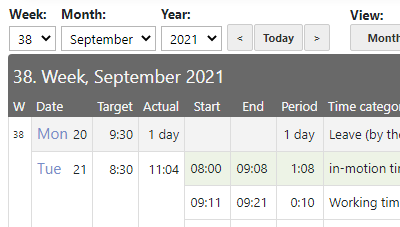
Documentation of project times
By tracking the working hours, optional you can also track your projects.
Freely configurable time categories
The time types adapt to your needs.
Work time models
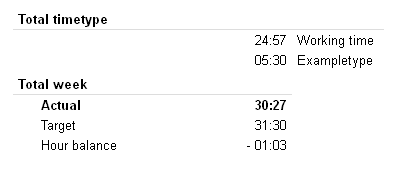
Individual work time models automatically calculate regular working hours and hours balances.
Management of vacation days
Leave entitlement and paid out leave are recorded either by the day or by the hour.
Configurable business ratios
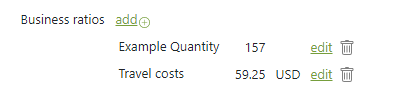
Freely configurable business ratios - such as material costs or mileage - can be allocated directly in the time tracking.
Various statistics
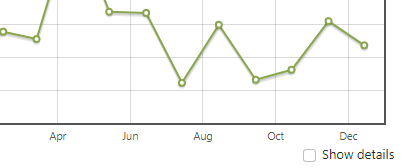
Statistics about working hours, project times and much more ensure that you don't lose track.
Export / Import
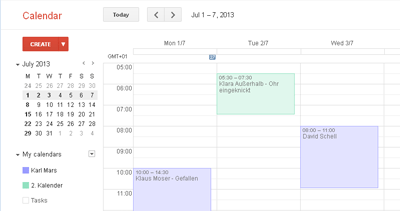
Various import and export formats (PDF, Excel, iCal) provide the proper connection.
Apps for Android and iOS
Goodtime also operates on mobile devices in the browser. With apps with the most important functions, it is even more convenient.


 Price
Price
If you have any questions, the
 Support will help you.